Professional Website Maintenance Services to Keep Your Site Secure



Give your business a unique look to stand out from the crowd.
Create a visual language that represents your brand.
Grow your business with our Eye-Catching and Professional Graphic Design Services.
Expert Web Design & Development Services That Will Take Your Business to the Next Level.
Grow your business online. We design and develop eCommerce websites that convert visitors into paying customers.
Keeping Your Website Up to Date, Enhancing Performance, and Ensuring Security for Your Online Success.
SEO Services to Boost Your Online Visibility.
Get Noticed, Get Leads, Get Results.
Increase Traffic and Create Better Customer Engagement.
Grow your business with a digital marketing strategy that works!
Automate your marketing and connect with customers at the right time.
Create clear, engaging content that connects with your target audience.
Give your business a unique look to stand out from the crowd.
Create a visual language that represents your brand.
Grow your business with our Eye-Catching Graphic Design Services.
Expert Web Design & Development Services That Will Take Your Business to the Next Level.
Grow your business online. We design and develop eCommerce websites that convert visitors into paying customers.
Keeping Your Website Up to Date, Enhancing Performance, and Ensuring Security for Your Online Success.
Grow your business with a digital marketing strategy that works!
Connects the right customers to the right products at the right time and price.
Lorem Ipsum is simply dummy text of the printing industry.
SEO Services to Boost Your Online Visibility.
Our digital advertising solutions help you to achieve your goals.
Increase Traffic and Create Better Customer Engagement.
We convert your knowledge into captivating content.
Lorem Ipsum is simply dummy text of the printing industry.
Lorem Ipsum is simply dummy text of the printing industry.
Give your business a unique look to stand out from the crowd.
Create a visual language that represents your brand.
Grow your business with our Eye-Catching and Professional Graphic Design Services.
Expert Web Design & Development Services That Will Take Your Business to the Next Level.
Grow your business online. We design and develop eCommerce websites that convert visitors into paying customers.
Keeping Your Website Up to Date, Enhancing Performance, and Ensuring Security for Your Online Success.
SEO Services to Boost Your Online Visibility.
Get Noticed, Get Leads, Get Results.
Increase Traffic and Create Better Customer Engagement.
Grow your business with a digital marketing strategy that works!
Automate your marketing and connect with customers at the right time.
Create clear, engaging content that connects with your target audience.
Give your business a unique look to stand out from the crowd.
Create a visual language that represents your brand.
Grow your business with our Eye-Catching Graphic Design Services.
Expert Web Design & Development Services That Will Take Your Business to the Next Level.
Grow your business online. We design and develop eCommerce websites that convert visitors into paying customers.
Keeping Your Website Up to Date, Enhancing Performance, and Ensuring Security for Your Online Success.
Grow your business with a digital marketing strategy that works!
Connects the right customers to the right products at the right time and price.
Lorem Ipsum is simply dummy text of the printing industry.
SEO Services to Boost Your Online Visibility.
Our digital advertising solutions help you to achieve your goals.
Increase Traffic and Create Better Customer Engagement.
We convert your knowledge into captivating content.
Lorem Ipsum is simply dummy text of the printing industry.
Lorem Ipsum is simply dummy text of the printing industry.
Give your business a unique look to stand out from the crowd.
Create a visual language that represents your brand.
Grow your business with our Eye-Catching and Professional Graphic Design Services.
Expert Web Design & Development Services That Will Take Your Business to the Next Level.
Grow your business online. We design and develop eCommerce websites that convert visitors into paying customers.
Keeping Your Website Up to Date, Enhancing Performance, and Ensuring Security for Your Online Success.
SEO Services to Boost Your Online Visibility.
Get Noticed, Get Leads, Get Results.
Increase Traffic and Create Better Customer Engagement.
Grow your business with a digital marketing strategy that works!
Automate your marketing and connect with customers at the right time.
Create clear, engaging content that connects with your target audience.
Give your business a unique look to stand out from the crowd.
Create a visual language that represents your brand.
Grow your business with our Eye-Catching Graphic Design Services.
Expert Web Design & Development Services That Will Take Your Business to the Next Level.
Grow your business online. We design and develop eCommerce websites that convert visitors into paying customers.
Keeping Your Website Up to Date, Enhancing Performance, and Ensuring Security for Your Online Success.
Grow your business with a digital marketing strategy that works!
Connects the right customers to the right products at the right time and price.
Lorem Ipsum is simply dummy text of the printing industry.
SEO Services to Boost Your Online Visibility.
Our digital advertising solutions help you to achieve your goals.
Increase Traffic and Create Better Customer Engagement.
We convert your knowledge into captivating content.
Lorem Ipsum is simply dummy text of the printing industry.
Lorem Ipsum is simply dummy text of the printing industry.
Give your business a unique look to stand out from the crowd.
Create a visual language that represents your brand.
Grow your business with our Eye-Catching and Professional Graphic Design Services.
Expert Web Design & Development Services That Will Take Your Business to the Next Level.
Grow your business online. We design and develop eCommerce websites that convert visitors into paying customers.
Keeping Your Website Up to Date, Enhancing Performance, and Ensuring Security for Your Online Success.
SEO Services to Boost Your Online Visibility.
Get Noticed, Get Leads, Get Results.
Increase Traffic and Create Better Customer Engagement.
Grow your business with a digital marketing strategy that works!
Automate your marketing and connect with customers at the right time.
Create clear, engaging content that connects with your target audience.
Give your business a unique look to stand out from the crowd.
Create a visual language that represents your brand.
Grow your business with our Eye-Catching Graphic Design Services.
Expert Web Design & Development Services That Will Take Your Business to the Next Level.
Grow your business online. We design and develop eCommerce websites that convert visitors into paying customers.
Keeping Your Website Up to Date, Enhancing Performance, and Ensuring Security for Your Online Success.
Grow your business with a digital marketing strategy that works!
Connects the right customers to the right products at the right time and price.
Lorem Ipsum is simply dummy text of the printing industry.
SEO Services to Boost Your Online Visibility.
Our digital advertising solutions help you to achieve your goals.
Increase Traffic and Create Better Customer Engagement.
We convert your knowledge into captivating content.
Lorem Ipsum is simply dummy text of the printing industry.
Lorem Ipsum is simply dummy text of the printing industry.
Let’s discuss your business goals and work together on the right digital strategy to drive measurable, sustainable growth.
Your new campaign goes live on Monday. Traffic arrives on Tuesday. By Friday, the leads still haven’t come in, and then someone discovers why: a plugin update two weeks ago quietly broke the contact form. Every visitor since then has hit a dead end.
Problems like this are common for growing businesses. Websites rarely break all at once. They slowly stop working for the business, one outdated plugin, broken link, or slow page at a time. Website maintenance is how you prevent that.
This guide looks at the areas where a growing website is most at risk, what goes wrong in each, and the routine that keeps the whole site fast, secure, findable, and ready to convert.
When a business grows, its website grows with it. More service pages. Arabic and English versions. Booking tools, payment gateways, CRM integrations, chat widgets, and tracking scripts for every new campaign. Each addition depends on the others, so the more there is, the more can quietly fail.
Here’s what that looks like in practice. A form stops sending emails after an update, and nobody notices until a customer complains. A paid campaign sends traffic to a landing page that takes eight seconds to load on mobile, so most of the budget is wasted. An SSL certificate expires, and visitors see a browser security warning instead of your homepage. A services page still shows last year’s prices, and a customer arrives expecting a deal you no longer offer.
Each issue costs something real: lost leads, wasted ad spend, or damaged trust. And small issues compound. An outdated plugin turns into a security hole. A handful of broken links turns into a ranking drop. Fixing these problems in an emergency almost always costs more than preventing them.
Small website issues compound, and fixing them in an emergency almost always costs more than preventing them.
Before planning anything, find out what’s working and what isn’t. A website health check should look at:
The results usually split into urgent fixes and longer-term improvements. Deal first with anything that blocks leads, sales, or security, then plan the rest.
Want a clear list of what to fix first? Request a website health check from Dot IT.
Share of mobile websites that meet all three of Google’s speed and stability benchmarks.
The same benchmark on desktop, where sites usually perform better.
Share of newly discovered WordPress security flaws found in plugins rather than the core software.
Websites get slower over time. New images, extra scripts, additional plugins, and hosting limits all add weight, and the slowdown is gradual enough that nobody notices until conversions drop.
Google’s Core Web Vitals give you clear benchmarks: a page offers a good experience when its main content loads within 2.5 seconds, it responds to interactions within 200 milliseconds, and its layout stays stable, with a layout shift score of 0.1 or less.
Use PageSpeed Insights and Google Search Console to monitor these scores. When pages slip, start with the usual causes: oversized images, unused plugins and scripts, caching problems, and hosting that can no longer handle your traffic. Pay special attention to the pages your campaigns send traffic to, because every second there costs ad budget. Retest key pages after every major change.
Explore Dot IT’s website maintenance service for growing businesses.
Outdated software is one of the most common ways websites get compromised. Keep your CMS, plugins, and themes updated, but test updates first, so a fix for one problem doesn’t break your forms or checkout. Remove plugins you no longer use, review who has admin access, and keep your SSL certificate valid so your site always loads securely.
Backups are your safety net. Back up both files and the database, store copies away from your main server, and test restoring them. A backup that has never been tested is a guess, not a plan.
For businesses that collect personal data through forms or online stores, strong security also supports your obligations under the UAE’s data protection law, Federal Decree-Law No. 45 of 2021.
Every change to a website can affect how people find it. Deleting a page without a redirect can lose rankings that took months to build. Broken internal links waste the value of your content. Indexing errors can quietly remove important pages from Google. Check Search Console regularly, add redirects whenever URLs change, and keep your sitemap and page metadata current.
The same care now protects how AI tools describe your business. Google’s AI Overviews draw on pages that are indexed and readable, so the basics of maintenance double as AI visibility work. When service pages go stale, key details exist only inside images, or structured data no longer matches the page, AI answers can describe your business wrongly or skip it altogether.
Outdated content damages trust as much as a broken page. Review your services, prices, offers, team, and location details regularly, and make sure Arabic and English versions match. Remove or redirect pages for discontinued services and past promotions, so visitors only see what your business offers today.
The pages and buttons that bring in revenue deserve the closest attention. Test contact forms, quote requests, WhatsApp and call buttons, booking tools, and checkout regularly, and always after an update. Submit a real test, confirm it arrives where it should, and check that the confirmation message makes sense to a customer. A form that looks fine but sends nothing is the most expensive bug on most business websites.
Not every website needs the same level of care. A busy e-commerce store with daily orders needs closer attention than a corporate site with a few service pages. Base your routine on your site’s size, traffic, and how much the business depends on it.
| Frequency | Tasks |
| Weekly | Confirm backups ran, monitor uptime, test key forms and contact buttons |
| Monthly | Apply CMS, plugin, and theme updates, check page speed, fix broken links |
| Quarterly | Review content in both languages, run a security review, check search and AI visibility |
Make ownership clear for every task. Unowned tasks are the ones that get skipped.
Keep a record of the work, too. Uptime, speed scores, updates applied, issues fixed, and backups confirmed should all be documented, ideally in a short monthly report. Over time, that record shows patterns, such as a form that breaks after every update or a template that keeps slowing down, so you can fix root causes instead of symptoms. It also shows where bigger investments make sense, like better hosting or a redesign of a section that no longer converts.
Most website problems are preventable, and preventing them is what our web team does every day. We start by auditing your site, then take care of the work that keeps it healthy: tested updates, monitored security, backups we actually restore to check, speed tuning for the pages that matter most, search and AI visibility checks, content updates in Arabic and English, and regular tests of every form and contact button.
Each month, you get a plain-language summary of what we did, what we found, and what we’d improve next.
If your team already handles part of this, we can cover just the areas you’d rather hand over, such as security, speed, or updates. Either way, your website keeps up with your business instead of holding it back.
A growing business needs more than a website that worked at launch. It needs one that stays fast, secure, accurate, findable in search and AI answers, and ready to turn visitors into customers.
Get a prioritized plan for your site: request a website audit from Dot IT and see which fixes will protect your leads first.
They typically cover updates, security monitoring, backups, speed optimization, search health checks, content updates, conversion testing, and reporting. For bilingual sites, they should also include keeping Arabic and English content in sync.
Some checks, like backups and form tests, are worth doing weekly, while updates and deeper reviews follow a monthly or quarterly rhythm. Check more often around campaigns and launches, when traffic is highest and failures cost the most.
Yes. Redirects, working links, fast pages, and accurate content protect rankings, and they also shape how AI tools summarize your business. A site redesign or URL change is the riskiest moment, so plan redirects before anything goes live.
Backups let you recover from failed updates, hosting problems, human error, or attacks. Keep several recent copies in a separate location, since a single backup stored on the same server can be lost along with the site.
Speed, security, backups, search health, content accuracy in every language, conversion paths, and AI visibility. The most useful checks end with a prioritized list, so the fixes that protect leads and sales come first.
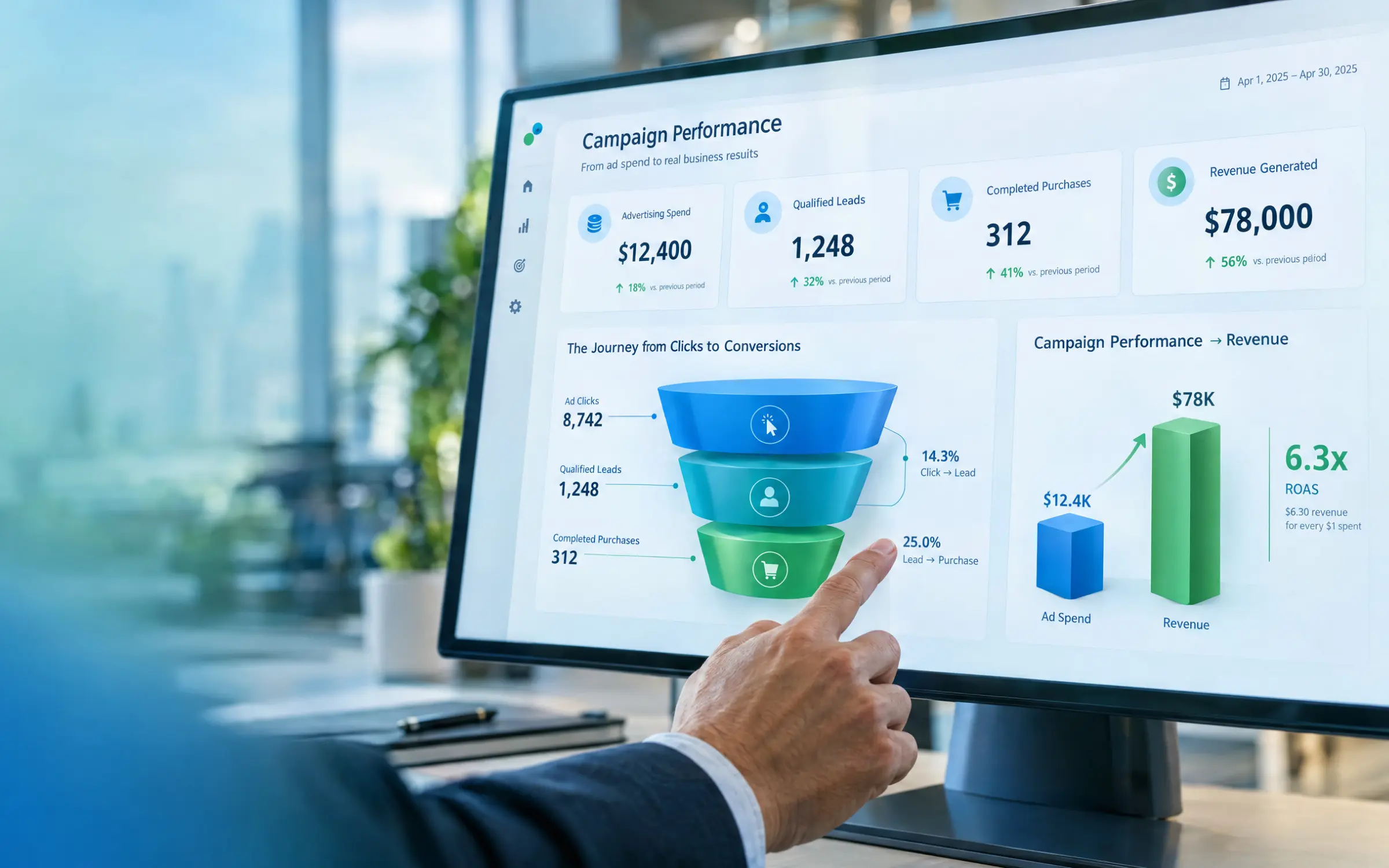
Reach the right audience, generate qualified leads, and understand what your campaigns are delivering. Let Dot IT help you build a performance-focused advertising strategy for your business in Egypt.

| Egypt: | (+20) 101 875 0505 |
| (+20) 100 538 5981 | |
| UAE: | (+971) 554 902 883 |
| Spain: | (+34) 613 589 964 |
| USA: | ( +1) 747 219 2744 |
| Estonia: | (+372) 609 3446 |